
Article
A Tap in the Right Direction: Helping People Give and Connect Without the Friction
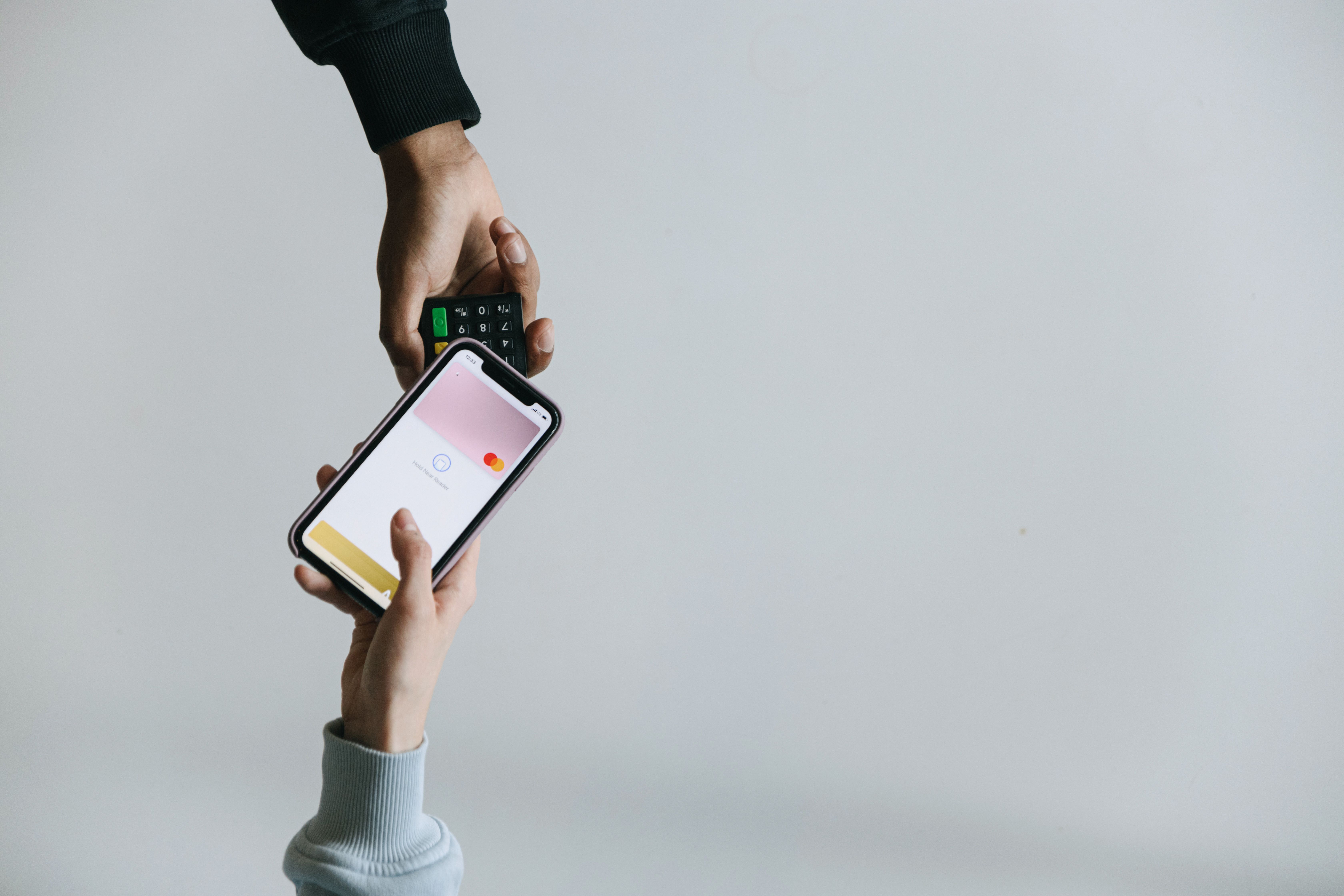
You know that little tap you do at the checkout counter — phone or card near the register, and you're done? That's NFC. And it turns out that same, everyday tech can help your ministry too.
With an inexpensive sticker or card and a free app, you can let someone tap their phone and land exactly where you want them: your giving page, a newcomer form, your events page — wherever the next step lives. No typing a web address. No fumbling with a QR code in bad lighting. Just tap, and go.
Here's the best part: you don't need anything fancy to get started.
If you're already using Servant Keeper Online Giving, NFC tags pair perfectly with links you already have. And if you're not set up with Online Giving yet, that's okay too — NFC tags work with any link, form, or page your church already uses. Think of this as a friendly nudge either way: a simple, low-cost way to remove friction for the people walking through your doors.
What Is NFC, in Plain Language
NFC stands for Near Field Communication, and honestly, you've probably used it a hundred times without thinking twice about it. Tap to pay at the grocery store? NFC. Tap your card at the gas pump? Same thing.
For your church, it works the same simple way: someone taps their phone against a small sticker or card, and their phone instantly opens whatever page you've linked — a giving page with funds already selected, a connect card, your events calendar, or even a simple landing page with a short list of options. That's it. One tap, and they're exactly where you want them to be.
Three Steps to Get Started
- Get your tags. NFC stickers and cards are inexpensive and easy to find online (a quick search for "NFC tags" will turn up plenty of options). Stickers work well on chair backs or signage. Cards feel a little more polished at a Welcome Desk or tucked into newcomer bags.
- Program each tag with a link you already have. Download a free NFC-writing app (there are several available for both iPhone and Android) and use it to write a URL onto each tag. You don't need anything new here — just the links you already use. That might be a giving page, a social media profile, a sign-up form, or any page on your church's website you'd love people to find faster.
- Place it, label it, and test it. A short line of text goes a long way — something like "Tap your phone here to give" or simply "Tap to connect." Before you set it loose on a Sunday, test it with a few different phones to make sure the experience is smooth. A little quality check now saves a confused conversation later.
Sunday-Ready Ideas
- Welcome Desk card that opens your newcomer or connect form
- Chair back stickers that go straight to your giving page
- Lobby sign tag that opens a simple landing page with Give, Events, Groups, and Sermons all in one spot
How to Tell If It's Working
Since NFC tags point to a link you already control, you can measure success the same way you'd measure any link: by watching activity on the page it opens. A few easy options:
- Use a link shortener with click tracking (many are free) so you can see how many taps a tag is getting over time.
- Add tracking parameters (UTMs) to the link before you program the tag, so visits from that specific tag stand out in your website or giving analytics.
- Ask at the point of contact. A simple "did you find that easy to use?" from a Welcome Desk volunteer tells you more than a spreadsheet ever will.
Even a rough sense of "is this getting used?" is enough to know whether it's worth expanding to more spots around your building.
Why It's Worth Trying
At the end of the day, ministry is about removing whatever stands between someone and their next step — whether that's giving, connecting, or just learning more about your church. NFC won't replace a warm greeting or a genuine conversation, but it can quietly clear away the small stuff: the typo in a web address, the QR code that won't scan, the moment someone almost does something and then doesn't. One tap, and they're already there.
A quick note: the NFC tags, cards, and apps mentioned here are built and supported by third parties, not by Servant Keeper. We're simply passing along an easy, low-cost idea we think could help your ministry.


Location
220 Woodward Ave,
Lock Haven, PA 17745
800-773-7570
Sales
Phone: (800) 773-7570 option 1
Email: sales@servantkeeper.com
Mon & Fri 10:00 am - 4:00 pm ET
Tues-Thus 9:00 am - 5:00 pm ET
Support
Phone: (800) 785-3416
Email: support@servantkeeper.com
Mon & Fri 10:00 am - 4:00 pm ET
Tues - Thurs 9:00 am - 5:00 pm ET
Billing
Phone: (800) 773-7570 option 2
Email: billing@servantkeeper.com
Mon & Fri 10:00 am - 4:00 pm ET
Tues-Thus 9:00 am - 5:00 pm ET
Copyright 2025, Servant Keeper, LLC